On the job
Leaving a delivery app for good: deactivating your partner account and getting deposits back
Before you close a Swiggy, Zomato or Zepto partner account: settle cash and dues, return the kit, collect your last payout and any refundable deposit, then check your tax, e-Shram and data. A step-by-step list for riders in Delhi NCR.
By Editorial team Published
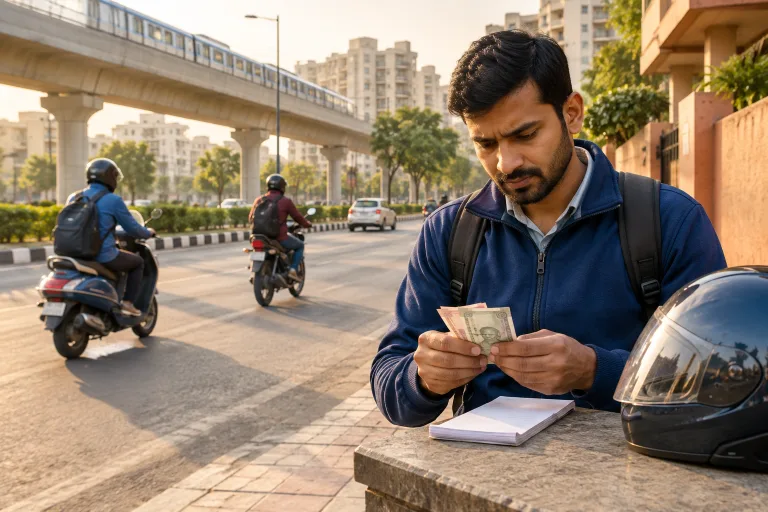
Close a delivery partner account last, not first. If you delete the account while cash, kit or a payout is still open, sorting it out gets harder. Leave in this order: settle what you owe, return the kit, collect your last payout and any refundable deposit, save your records, and only then ask the app to close the account. Each step is below, with what is on record about fees, deposits and your rights.
1. Settle cash and other dues
A September 2026 report on delivery partner charges puts it plainly: when you stop working, you first have to settle the cash you collected from customers, your cash-on-delivery account and any other dues. Only when the accounts are clear can a deposit be returned, under the platform's rules (Aaj Tak Bangla, 22 September 2026). Hand over cash the way your hub asks and keep the receipt or the in-app entry. If you carry cash orders, our post on cash on delivery and fake notes helps until your last day.
2. Know which money can come back
Two kinds of charges get mixed up:
| Charge | Comes back when you leave? | What is on record |
|---|---|---|
| Onboarding or joining fee | Not called refundable in these reports | Joining cost an Indian Express reporter ₹1,201 on Swiggy and ₹1,799 on Zomato in Delhi; both apps offered to take it in instalments cut from earnings (Indian Express, January 2026) |
| Security deposit | Often refundable once your accounts are settled | Taken only on some platforms, and different from the joining fee (Aaj Tak Bangla, September 2026) |
| Kit (bag, T-shirt, jacket) | Depends on the platform | Its cost can be added to your account and cut from earnings; damaged or replacement items can cost extra (same report) |
The same report says amounts and rules vary by city and platform. So before you leave, ask support in writing: "Is any deposit due back to me, and how much?" and "Are any fee instalments still pending?" Our joining fees guide explains what each company says about fees. For what Zepto's own terms say about fees and a deposit, see our Zepto page.
3. Return the kit properly
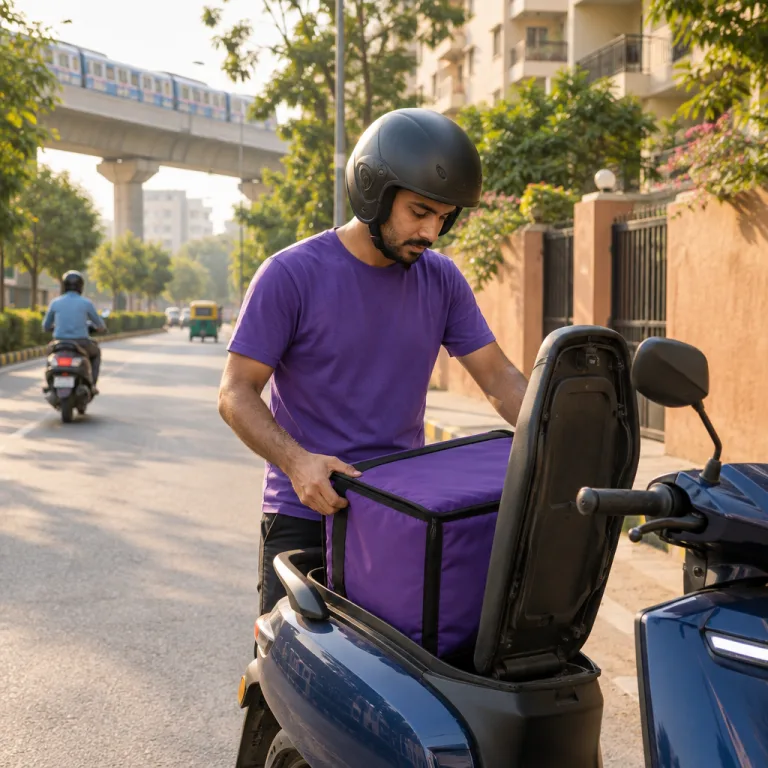
Return the bag and uniform clean and complete, to the hub or person the app names. Take a photo of the items when you hand them over and ask for a receipt or an in-app note. Without proof, a missing item can turn into a charge.
4. Collect your last payout
Keep the bank account linked to the app open until your final payout has arrived. Payout days differ by app: see delivery payout days compared, and if a Swiggy payout is late, what to check.
5. Save your records
Download or screenshot your earnings statements before the account goes. They are your income proof, and they help you match the tax cut from your payouts with your Form 26AS: how to find payout TDS in your tax statement.
6. Your e-Shram registration stays
Your e-Shram Universal Account Number doesn't change, and the government says this Aadhaar-linked ID keeps your social security benefits with you when you switch platforms (e-Shram FAQ; PIB factsheet, read October 2026). Under the 2026 rules, the app must report your exit on the government portal, and the schemes stay open to you only if you worked 90 days or more for one app (or 120 days in total across apps) in the last financial year (Social Security (Central) Rules 2026, rules 48(2)(c) and 49(4)). Registering and checking your details: e-Shram for delivery riders.
7. Close the account and your data
The data protection law lets you take back your consent whenever you like, and doing so must be as easy as giving it was. The app then has to stop using your data and erase it, unless a law requires it to keep it; the consequences of withdrawing, such as losing access to the app, are yours (sections 6 and 8 of the DPDP Act 2023). The Rules add that order records and logs are kept for at least one year, even after an account is deleted (DPDP Rules 2025, rule 8(3)). Apps only have to follow these rules from eighteen months after the law's November 2025 notifications (Act commencement notice, G.S.R. 843(E), 13 November 2025). How to use these rights: your data on delivery apps.
Not sure? A break may beat deleting
If you might come back, a break may be the better choice. In Fairwork's 2024 review, bigbasket, Swiggy, Urban Company, Zepto and Zomato were credited with making sure a worker's standing isn't hurt after a break taken with notice to the platform (Fairwork India Ratings 2024, October 2024). Tell the app before you go quiet. Why your standing matters: ratings, refused orders and blocked IDs.
Looking for different delivery work?
Fill in one short form with your name, phone, city and area.