On the job
Gate apps and OTPs at society entrances: getting in quickly without breaking rules
How MyGate and NoBrokerHood handle a delivery at the gate: the guard's request, pre-approvals that must match exactly, verified rider details, leave-at-gate codes and OTP passes, and a routine that gets you through faster.
By Editorial team Published
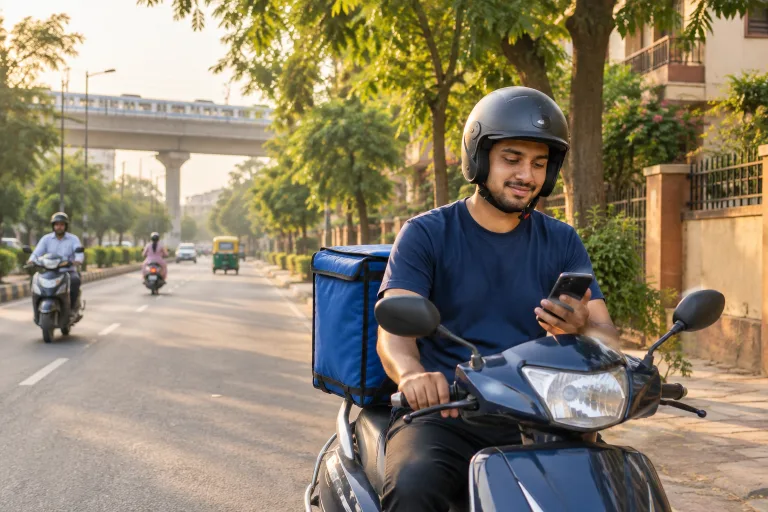
At many big societies in Gurugram, Noida and Ghaziabad, the guard doesn't decide whether you go in. The resident does, through a gate app on their phone. Two names riders often meet are MyGate and NoBrokerHood, and both work the same basic way: the guard logs you, the resident gets an alert, and you wait for a yes. Knowing what the guard's screen needs from you is the fastest way through.
What happens when you reach the gate
On NoBrokerHood, the guard logs a visitor's name, photo, flat number, purpose of entry and vehicle number. The resident gets an alert with those details and the photo, and approves or rejects the entry with one tap (NoBrokerHood, as of October 2026). On MyGate, the guard sends the resident an entry request, and the resident can allow it, deny it or choose "Leave at Gate" (MyGate, 20 March 2024).
So the guard needs two things from you: the right flat, and the name of the company you are delivering for. A wrong flat sends the request to the wrong home. ThePrint described such a mix-up in Noida's Sector 50: the resident named on the order had declined entry, while a second resident got an approval message for an order that wasn't theirs (ThePrint, 22 September 2026).
Pre-approvals, and why they fail
A resident who is expecting an order can approve it in advance. On MyGate, a delivery pre-approval lets a visitor in only if three details match exactly: the company name, the type of entry and the time. Guards are not shown pre-approvals ahead of time, so the match depends only on what the guard enters at the gate (MyGate help, updated 26 May 2025).
What that means for you:
- Say the company name clearly, the way the customer knows it, so the guard picks the same one.
- Arrive within the time the customer expects. A pre-approval set for a time window won't match outside it.
- If it doesn't go through, ask the guard to send the resident a fresh request.
Verified rider details
MyGate also runs "validated entries" with delivery and cab companies on its partner list. The company shares the rider's phone number, photo and vehicle number. The guard enters your phone number, the app shows your photo, and entry is approved only if the details match what the company provided (MyGate, 20 March 2024).
Keep the phone number and the vehicle on your delivery profile up to date. A different number, or a bike that isn't the one on your profile, may not match what the guard's screen expects.
Leave at gate, gate holding and OTP passes
- MyGate's Leave at Gate. If the resident chooses it, the guard takes the parcel and a six-digit passcode goes to the resident, who later shares it with the guard to collect the package. When a resident sets this up in advance, the guard collects the parcel only if the delivery executive agrees (MyGate, March 2024).
- NoBrokerHood's gate holding. Guards log parcel details, and a resident who is away can ask for the parcel to be held at the gate (NoBrokerHood, as of October 2026).
- OTP passes. NoBrokerHood residents can create QR codes or time-sensitive OTP passes for expected guests, cabs and delivery staff (NoBrokerHood, as of October 2026).
Two things follow from this. The gate passcode is between the resident and the guard; it is not the code your delivery app may ask for to close an order. And handing a parcel to the guard is your call: if your company needs the order to reach the customer in person, message the customer before you give it to the guard.
Rules not to break
- Don't enter on another visitor's approval, and never use a code that was meant for a different flat.
- Don't argue with a refusal. If the resident declines entry, the guard can't let you in (ThePrint, September 2026).
- Park where the guard tells you. The gated-society guide covers parking bays, lifts and tower-door handovers.
A faster gate routine
- Check the society, tower and flat on the order before you reach the gate.
- Tell the guard the company name and the flat number in one go.
- If no approval comes, call or message the customer through your app.
- If the society sends you to a tower door or a handover point, tell the customer where you are waiting.
Our area pages for tower-heavy places such as Greater Noida West and Indirapuram cover delivery work there.